



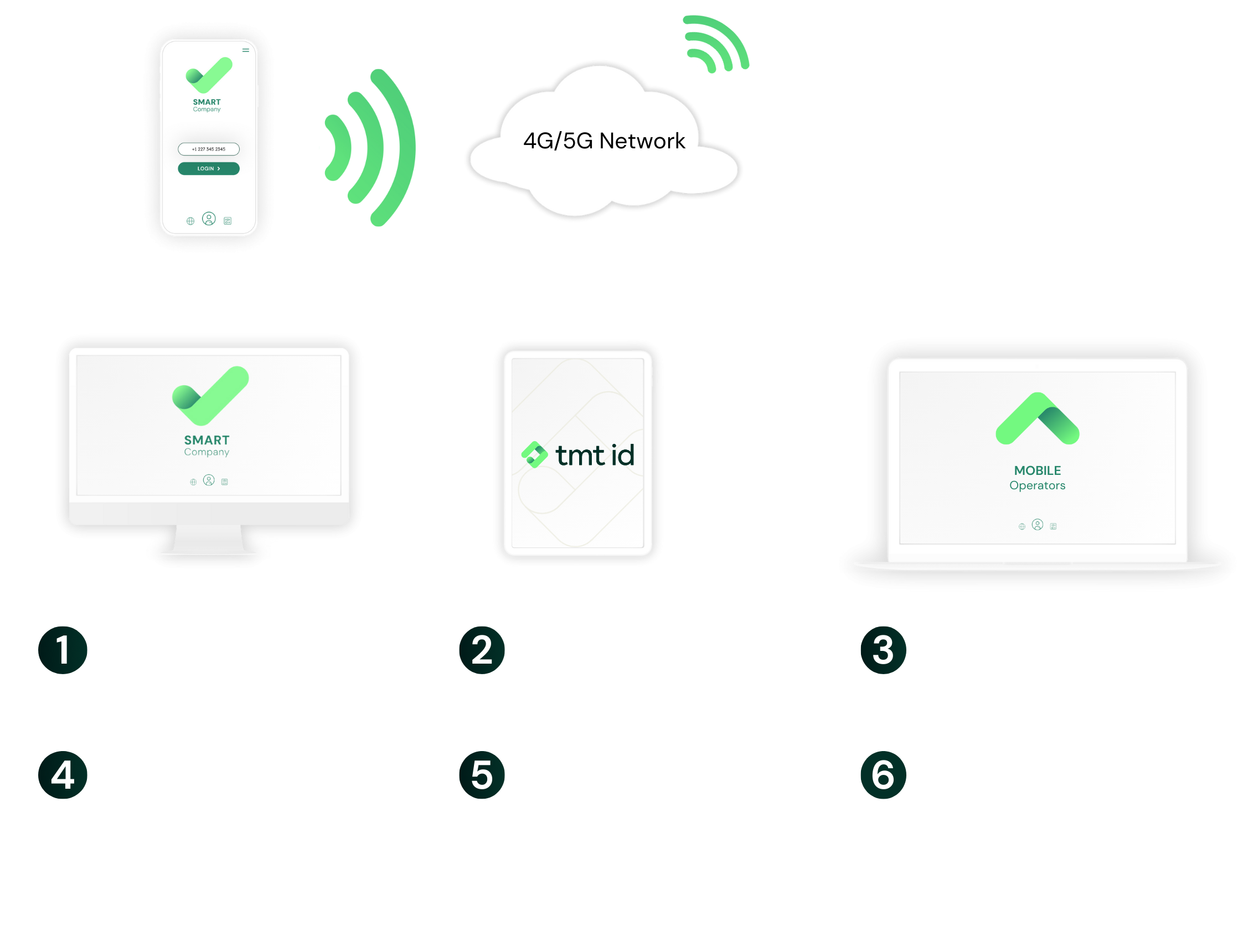
First, we identify the current mobile operator of the phone number. Then, working in real time, we connect to the mobile operator to confirm that the phone number matches the one registered on the user account. Optional SIM-Swap checks can then flag whether the phone number has had a recent SIM change. Everything happens in seconds, so your app flow remains smooth
Authenticate
Frictionless Secure
Mobile Authentication
Elevate customer experience with silent, secure mobile authentication. No OTPs, no delays, just instant trust
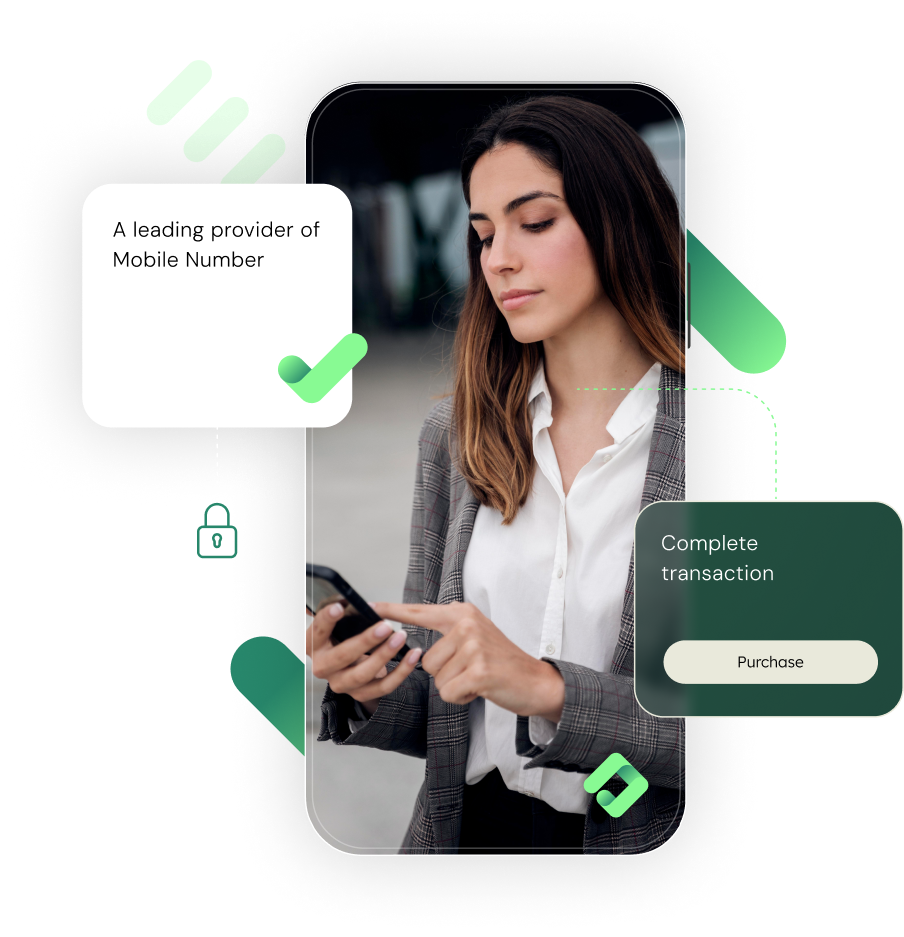

Frictionless Authentication That Builds Trust in Seconds
Authenticate instantly links a mobile device to its phone number using real-time mobile network signals: no more OTP codes to phish or disposable numbers to use. It’s faster and simpler than OTP, boosting conversions and cutting friction. Layer in optional SIM-Swap checks, phone number intelligence, and device signals to power up your smarter, safer customer authentication and verification suite

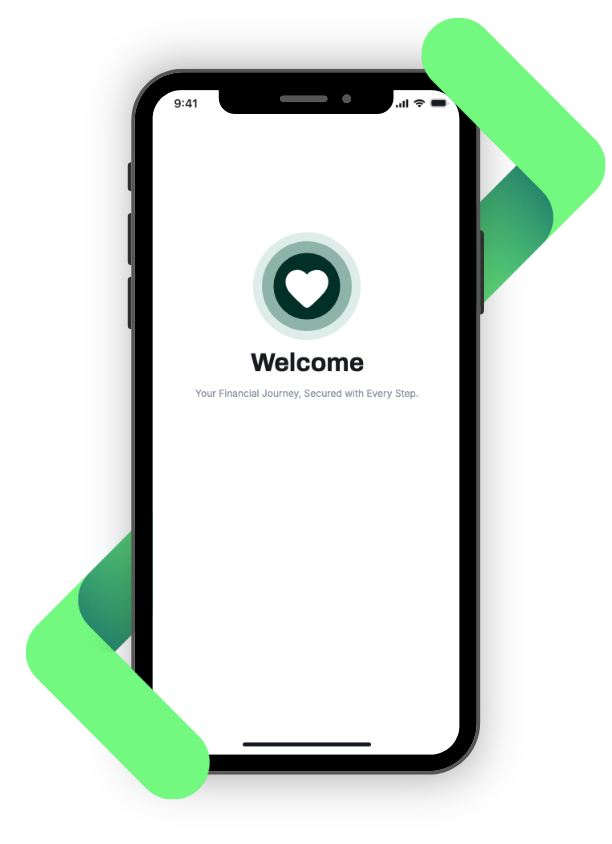
What Does The Authenticate User Experience Look Like?
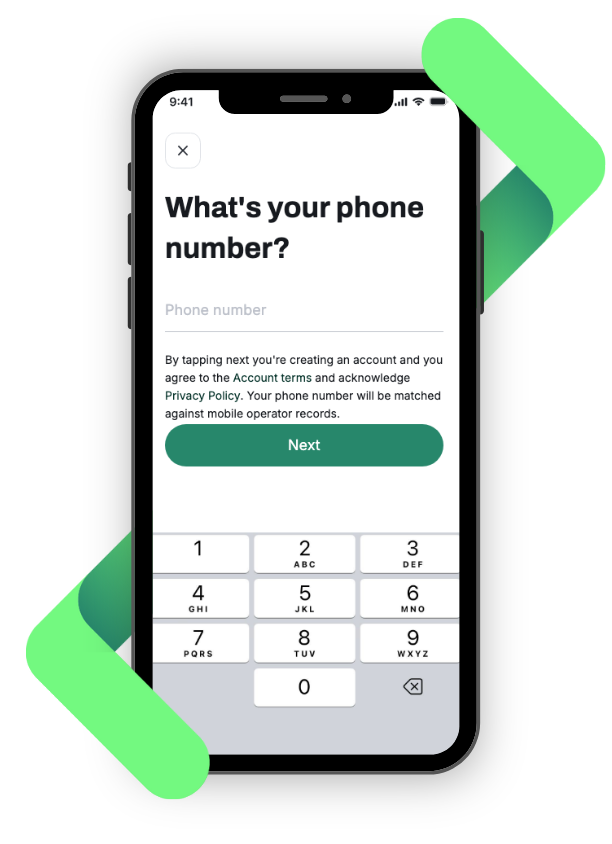
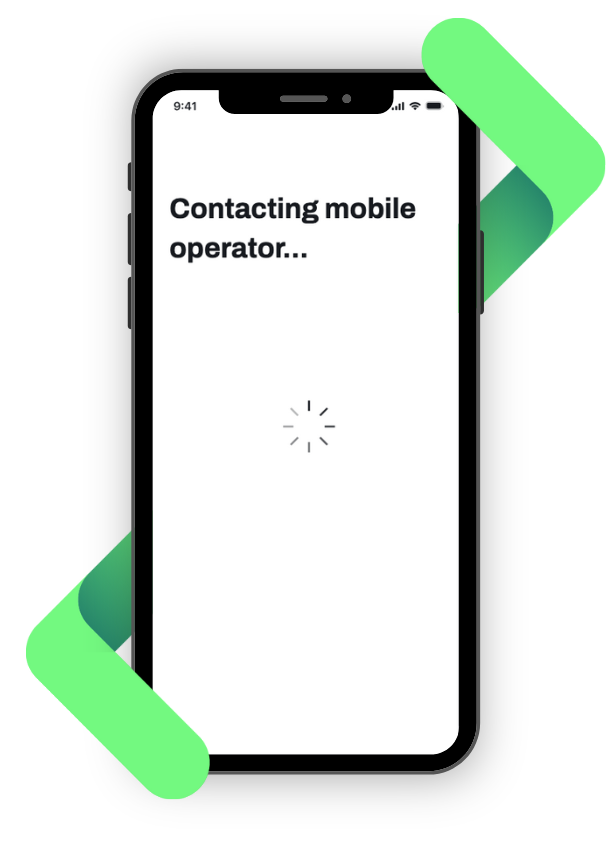
How does Authenticate work?
Authenticate uses mobile operator data to confirm the device you're interacting with is tied to the correct SIM and mobile number. This network-level authentication happens silently in the background, without user input or delays
Five benefits of using Authenticate

Frictionless User Experience
No more OTP codes, no more waiting. Authenticate verifies phone number possession silently in the background, reducing drop-offs and boosting conversions

Game-changing Security
Built on direct mobile network authentication, not SMS. Thus, no codes to intercept and no phishing vectors. Optionally, add SIM-Swap protection for an even greater peace of mind

Proof of Possession
Unlike SMS OTP, Authenticate confirms your customers are truly in possession of the SIM and phone number, reducing promotion abuses and duplicate accounts

Intelligence-ready
Pair Authenticate with number intelligence to rapidly assess trust levels of phone numbers. Use our device intelligence SDK for an even richer set of insights into your customers to help you better understand risks and combat bot activity and fraud
Straightforward Implementation
Authenticate connects to all supported operators via a simple API call
Case study
Authenticate Case Study
Providing a real-time customer liveness check that allows you to check which mobile numbers are no longer active
Rread case study >
Authenticate Coverage Map

Authenticate FAQ
Authenticate confirms that the mobile device connecting to your service matches the expected mobile number, using silent, encrypted data from the SIM and mobile network. This verifies that the right SIM is present in the right device without user input. It’s fast, invisible to the end user, and cannot be faked or copied
Not directly. Authenticate verifies the device and SIM, not the physical user. It assumes that identity confirmation (like biometrics) happens on the phone itself. This approach is ideal for secure, seamless logins or transaction approvals, especially when combined with other in-app controls
Yes. The latest version of Authenticate can include real-time SIM-Swap detection, helping you flag accounts at risk before allowing access. This adds an important layer of protection, especially in cases where fraudsters socially engineer their way into taking control of a number
No. The network data Authenticate uses is not publicly available or reproducible. Even if a fraudster attempts to clone a device, without the correct SIM and network context, authentication will fail. Each authentication is verified in real time with the mobile operator and TMT ID
What Our Customers Are Saying
"Phone number verification plays a critical role in helping to detect and prevent online fraud. TMT ID’s TeleShield product provides easy access to global mobile data, enabling us to enhance the actionable results of our MaxMind minFraud® services."

"BTS (Business Telecommunications Services) is successfully using TMT’s Velocity and Live services to check the status of mobile numbers. This way we make sure we optimize the performance of the service offered to our customers and ensure the quality of terminating traffic to all countries.”

"We have had a long-standing and successful relationship with TMT ID. Our strategic partnership advances both companies’ mobile fraud solutions in a way that is truly unique in the market."

"LATRO relies on TMT’s TeleShield to provide the most up to date and reliable numbering qualification information within our fraud reporting tools, enabling us to protect our customer’s revenues and empowering them to defend themselves against fraudulent numbers."

"TMT is a valued partner that enables us to manage our routing costs effectively. They proactively and continuously expand their operator and country coverage while delivering exceptional customer service. We can always count on them to achieve high-quality results and look forward to our continued collaboration."

"TMT provides us with the most comprehensive numbering intelligence data through their fast and reliable Velocity and Live services. TMT is a trusted partner for us, their products ensure that we continue to optimise the best performance and service to our customers."

"TeleShield from TMT gives 42com the power to detect and target telephony fraud scams internationally, thereby protecting our company from the financial and customer experience impacts of telecommunications fraud."

"It has been a pleasure to work with the team at TMT. They have become an essential provider of accurate numbering data information and Number Portability services globally."

"Deutsche Telekom Global Carrier uses TMT ID as one of their key suppliers for Mobile Number Portability Data services. Deutsche Telekom Global Carrier uses TMT ID’s Velocity MNP solution. This is an ultra-fast query service that optimises the routing of international voice calls and A2P messaging."

❮
❯
Ready to get started?
We provide the most comprehensive device, network and mobile numbering data available
Contact us > Chat to an expert >